
You open a message and see “cc’ing you on this.” Or you scroll TikTok and spot a comment that just says “cc pls.” Two tiny letters, and suddenly you’re not sure what’s going on. You’re not alone.
CC meaning in text depends on where you see it, which makes it easy to misread. In most cases, CC means “carbon copy.” It’s the old office habit of sending a duplicate of a message to someone else so they stay in the loop. But online, CC can also mean closed captions, content creator, crowd control in games, or even credit card.
This guide walks through every common meaning, shows real chat examples, and explains how to reply without sounding confused. By the end, you’ll know exactly what CC means and when to use it.
What Does CC Mean in Text? (Quick Definition)
CC in text most often means “carbon copy.” It points to someone who is being copied on a message so they can see it, even though it isn’t addressed directly to them.
Here’s the short version of the main meanings:
- Carbon copy: Sending a message copy to another person (emails, work chats)
- Closed captions: Subtitles on videos (TikTok, YouTube, Instagram)
- Content creator: Someone who makes videos, streams, or posts (social media)
- Crowd control: Skills that stun or slow enemies (gaming)
- Credit card: A payment card (shopping, finance chats)
If you only remember one thing, remember this: check the platform first. An email “CC” and a gaming “CC” are completely different things.
Also Read: WHU Meaning in Text: The Complete Breakdown of This Popular Slang & How to Reply
Origin and Background of the Term CC
CC goes back to the days of typewriters. Offices placed a sheet of carbon paper between two pieces of paper. When the typist pressed down, the writing was copied onto the second sheet. That second sheet was literally a “carbon copy.”
When email arrived in the 1970s and 80s, designers borrowed the idea. They added a “CC” field so you could send the same message to extra people. The tool stayed, and so did the name, even though nobody uses carbon paper anymore.
Over time, the two letters picked up new jobs. Video platforms used “CC” for closed captions, a feature that dates back to TV broadcasts in the 1970s. Gamers started using it for crowd control in online fights. Social media users began using it as a quick way to say “creator” or to tag someone in a comment.
That’s why one short abbreviation now carries so many meanings. Each community grabbed it and gave it a job that fit.
What Does CC Mean in Different Contexts?
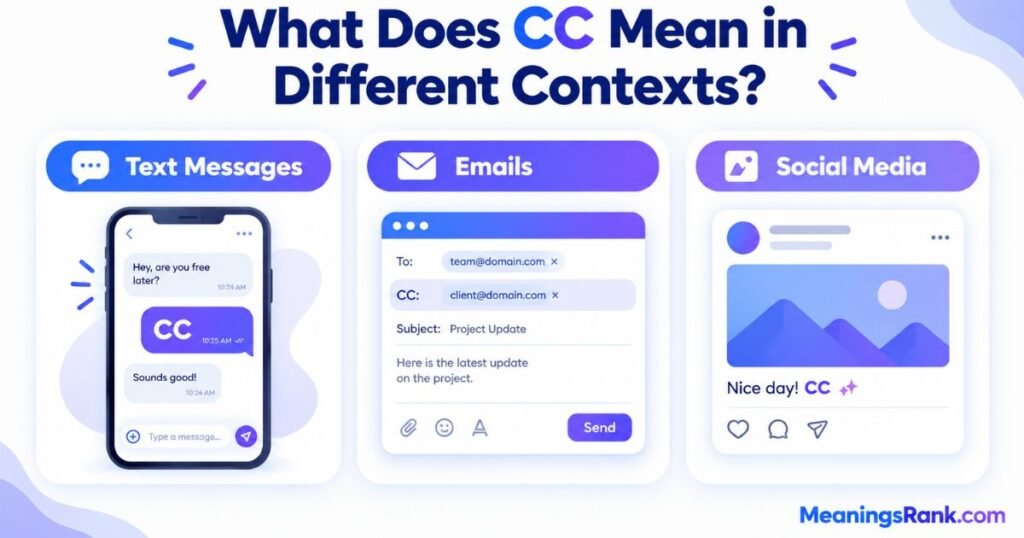
The same two letters can mean very different things depending on who’s talking. Let’s look at the three places you’ll see CC the most.
CC Meaning in Text Messages and Chats
In regular texting, CC usually follows the email idea. People use it to say “I’m sharing this with someone else too” or “I’m letting this person know.”
You might see it in a few ways:
- “CC’ing Jake” means Jake is being added to the loop.
- “cc: Mom” at the end of a message means Mom should see it too.
- “Can you cc me?” means “please include me.”
In group chats, CC is also used as a friendly nudge. If someone writes “cc @Priya” under a funny meme, they’re telling Priya to look at it.
In some casual chats, CC is simply a nickname or the initials of a person. A friend named Chloe Carter might be “CC.” Context makes this clear, since it usually appears as a name and not as a command.
CC Meaning in Emails
Email is where CC began, and it still has the clearest meaning here. When you add someone to the CC field:
- They get a copy of the email.
- Everyone on the email can see their name.
- They’re not expected to reply, unless the sender asks.
CC is for awareness. Think of it as saying, “I want you to know about this, but you don’t need to act.”
There’s also BCC, or “blind carbon copy.” That person gets the email, but nobody else can see their address. It’s handy for large groups or privacy.
CC Meaning on Social Media
On social media, CC gets more flexible. Here’s how it shows up:
- TikTok: Viewers write “cc pls” or “cc on” to ask the creator to turn on captions. It also appears as a label for creators, as in “shoutout to this CC.”
- Instagram: People write “cc @friend” in comments to tag someone. It’s a softer version of “look at this.”
- YouTube: The CC button turns on closed captions.
- X (Twitter): Users write “cc” before a tagged name to pull someone into a thread, often a brand or support account.
On these platforms, CC is less formal. It works like a quick wave across the room.
Real-Life Conversations Using CC (Examples)
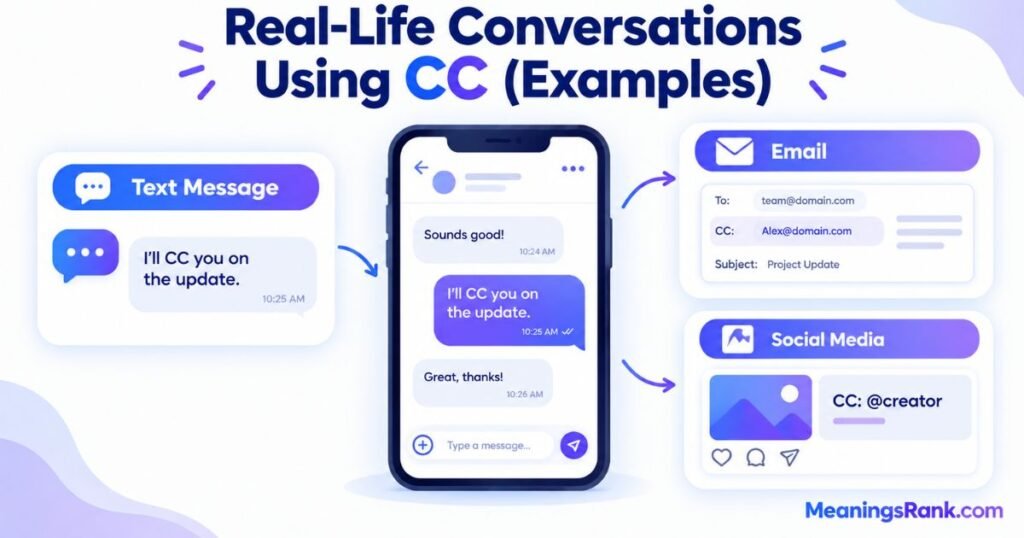
Seeing CC in action makes it much easier to understand. Here are realistic examples from different places.
Text message (friends)
Sam: Here’s the plan for Saturday. cc: Dana so she knows too.
Alex: Cool, thanks for looping her in.
WhatsApp family group
Aunt: I’m sending the wedding schedule. CC’ing Uncle Raj since he’s driving.
Cousin: Got it. Did he see the part about 5 p.m.?
Instagram comment
User 1: This pasta recipe looks insane.
User 2: cc @maria you need to try this
Also Read: RM Meaning in Text: The Ultimate Guide to Its Meaning in Chats & Social Media
TikTok comments
Viewer: cc pls, I can’t hear this in class
Creator: Turned them on! Thanks for the tip
Discord (gaming)
Player 1: Need CC on the boss, he keeps running at us.
Player 2: I’ve got a stun ready. Use yours after.
Workplace chat (Slack or Teams)
Manager: Sending the report to the client now. cc’ing finance.
Teammate: Perfect. I’ll watch for their reply.
Notice how every example makes sense once you know where it happened. That’s the secret to decoding CC.
CC Meaning Across Different Platforms
Here’s a quick table so you can see how CC changes from app to app.
| Platform | Common Meaning of CC | Example |
| Email (Gmail, Outlook) | Carbon copy | “I’ve CC’d Sarah on this.” |
| Carbon copy or loop someone in | “cc’ing Dad on the plan.” | |
| Tagging someone | “cc @leo you’d love this.” | |
| Snapchat | Looping a friend in | “cc Tom, he missed this.” |
| TikTok | Closed captions or creator | “cc pls.” |
| YouTube | Closed captions | Click the CC button. |
| Discord and gaming | Crowd control | “Use your CC now.” |
| Slack and Teams | Carbon copy | “cc’ing the design team.” |
| Shopping chats | Credit card | “Paying with my CC.” |
Each app has its own habits. If you’re unsure, scroll up a few messages and see what the conversation is about. The topic will almost always give it away.
CC vs. Similar Terms: What’s the Difference?
People often mix CC up with other short terms. Here’s how they compare.
| Term | Meaning | Who Sees It | Best Use |
| CC | Carbon copy | Everyone can see the CC’d person | Keeping people informed |
| BCC | Blind carbon copy | Only the sender knows | Large groups or privacy |
| To | Main recipient | Everyone | The person who must act |
| FYI | For your information | Depends on message | Sharing helpful details |
| Reply All | Response to everyone | Everyone on the thread | Updates for the whole group |
| Tag (@) | Mentions someone | Anyone who sees the post | Social media attention |
The biggest difference to remember: the “To” person is expected to respond, while the CC person is just informed. That small rule saves a lot of confusion at work.
CC and FYI are close cousins. Many people write “FYI” in the message itself and add the person in CC. Both say, “No action needed, just keep this in mind.”
Common Misunderstandings About CC
A few mistakes come up again and again. Here are the ones worth knowing.
1. “CC means I have to reply.” Not true. If you’re in the CC line, you can read the message and move on. Reply only if the sender asks you something directly.
2. “CC always means carbon copy.” That’s only true in emails and work chats. In a game, it means crowd control. On TikTok, it may mean captions.
3. “CC and BCC are the same.” They’re not. BCC hides the person’s name from everyone else. CC doesn’t.
4. “CC’ing someone is rude.” It depends on the situation. Copying your boss on a small disagreement can feel like a threat. But copying a teammate on a project update is normal and helpful.
5. “CC is the same as tagging.” Close, but not exact. Tagging pulls someone into a public post. CC is more like quietly sharing a note.
When Should You Use CC?
Use CC when someone should know about a message but doesn’t need to act on it. Here are good times to do it:
- Project updates: Keep your manager or team aware of progress.
- Introductions: Add a new person to a conversation so they feel included.
- Record keeping: Copy someone who may need the information later.
- Group planning: Let a friend or family member see the details.
And a few times to skip it:
- Private or sensitive topics: Don’t copy extra people on personal issues.
- Heated arguments: CC’ing the boss to “win” a debate usually backfires.
Quick tip: Before adding someone, ask yourself, “Would this person actually want to see this?” If the answer is no, leave them out.
Is CC Appropriate in Casual Texting?
Yes, but it’s not very common, and it works best with certain friends and situations.
Most people text in short bursts, so a full “carbon copy” feels a bit formal. Still, it can be a fun or helpful shortcut. If you’re sending a plan that involves a third person, writing “cc: Mia” is quick and clear.
Here’s a simple guide:
- Friends and family: Fine and often funny.
- Work chats: Totally normal, especially in Slack or Teams.
- Teachers or bosses: Okay, but keep the tone professional.
If you’re not sure the other person will understand, just say it in full. “I’m sharing this with Jake too” is clear and friendly. No one ever got confused by that.
How to Respond When Someone Uses CC
Your reply depends on how the person used it. Here are easy ways to answer.
If you were CC’d on an email or message:
- Read it and decide if you need to act.
- If not, a quick “Thanks for the update” is enough.
- Avoid hitting “Reply All” unless your answer helps everyone.
If someone says “cc @you” on social media:
- React with a like or comment.
- Try something like “Ha, this is so me!” or “Thanks for tagging me.”
If a viewer says “cc pls” on your video:
- Turn on captions or add them in the editor.
- Reply with “Done, thanks!” It shows you care about your audience.
If a teammate says “need CC” in a game:
- Use your stun, slow, or root skill right away.
- Say “CC used” so everyone knows it’s handled.
If you’re not sure what they mean:
- Ask politely: “Do you mean carbon copy?” or “Which CC are you talking about?”
- Nobody will mind. A quick question is better than a wrong guess.
Also Read: FF Meaning in Text: The Ultimate Guide to What FF Means
Variations and Related Expressions
CC has a few cousins you might see in messages. Knowing them helps you read chats faster.
Common Variations
- CC’d / CC’ing: Past and present forms. “I CC’d you” or “I’m CC’ing you.”
- cc: Lowercase version, often used at the end of a note.
- CCs: The plural, meaning several people copied or several crowd control skills.
- CC me: A request to be copied on future messages.
- No CC: In games, it means a fight has no stuns or slows.
Related Terms
- BCC: Blind carbon copy, hidden from other recipients.
- FYI: For your information.
- Tag: Mention someone on social media.
- CC (as in credit card): Often seen next to “CVV” or “payment.”
Each of these shares one idea: keeping the right people informed. That’s the thread running through nearly every meaning of CC.
Why CC Is Still Relevant in 2026
You might think a term from the typewriter age would fade away. It hasn’t, and there are a few good reasons.
Work chat keeps it alive.
Remote and hybrid teams send huge numbers of messages every day. CC is still the quickest way to keep managers and teammates informed without asking them to act.
Video is everywhere.
More people watch short videos with the sound off. Closed captions have become a daily tool, not a bonus feature. Viewers asking “cc pls” has become routine, and creators who add captions often reach more people.
Gaming is bigger than ever.
Team games like League of Legends, World of Warcraft, and Overwatch rely on crowd control. Players use CC as part of their basic vocabulary.
It’s short and flexible.
Two letters, many meanings, and each community understands its own. That’s the kind of shorthand that sticks around.
Frequently Asked Questions About CC Meaning
What does CC meaning in text message?
CC usually means “carbon copy,” showing someone else is being included in the message.
What does CC mean in TikTok comments and videos?
On TikTok, CC often means closed captions, so viewers ask creators to turn them on.
Does CC mean I have to reply to it?
No. Being CC’d means you’re informed, and you only reply if asked.
What is the difference between CC and BCC?
CC shows everyone the added person, while BCC hides that person’s name.
What does CC mean in online gaming and chats?
In games, CC means crowd control, like stuns, slows, or roots that limit enemies.
Can CC also mean credit card in online chats?
Yes. In shopping or payment chats, CC often stands for credit card.
Conclusion
CC meaning in text may look simple, but it changes with the platform. In emails and work chats, it means carbon copy, a way to keep people informed. On TikTok and YouTube, it points to closed captions. In games, it’s crowd control, and in shopping chats, it can mean credit card. Online, it can even stand for content creator or a quick way to tag a friend.
The best way to decode CC is to look at the setting and the conversation around it. If you’re still unsure, a short question like “Do you mean carbon copy?” clears things up fast.
Now you know where CC came from, how people use it today, and how to reply without any awkward guessing. Use it when someone just needs to be in the loop, skip it when a message is private, and enjoy being the person in the group chat who actually understands what those two little letters mean.